
Back to Home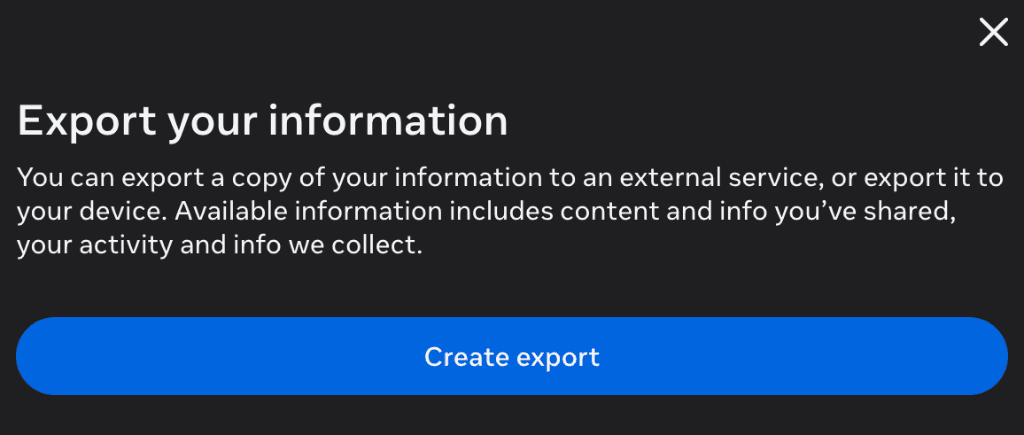

How to get your Instagram Data
Follow these exact steps to export your followers and following data in the correct JSON format.
Step 1
Open Accounts Center
Go to the Download Your Information page in the Instagram Accounts Center.
Step 2
Create Export
Click the blue 'Create export' button. Then select the Instagram account you want to analyze.
Step 3
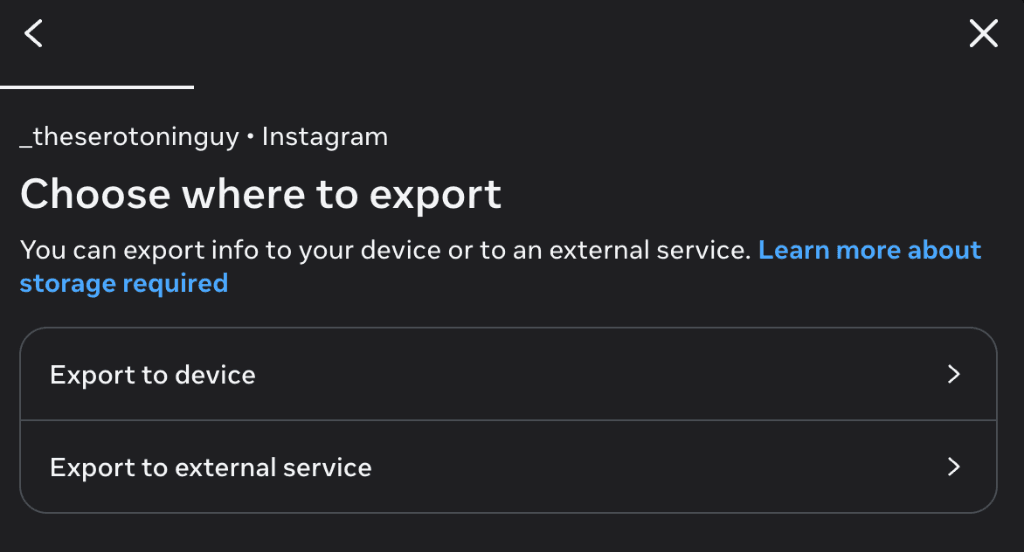
Export to Device
When asked where to export, choose the 'Export to device' option.
Step 4
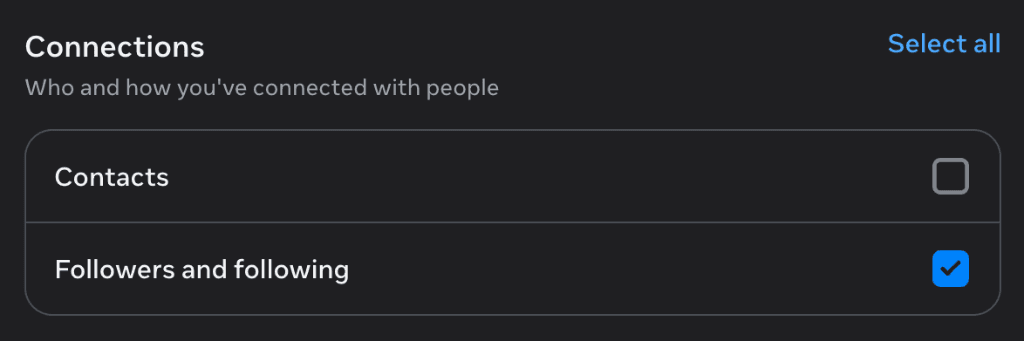
Customize Information
Choose 'Customize information' instead of all available data. Under the Connections section, check ONLY the 'Followers and following' option.
Step 5
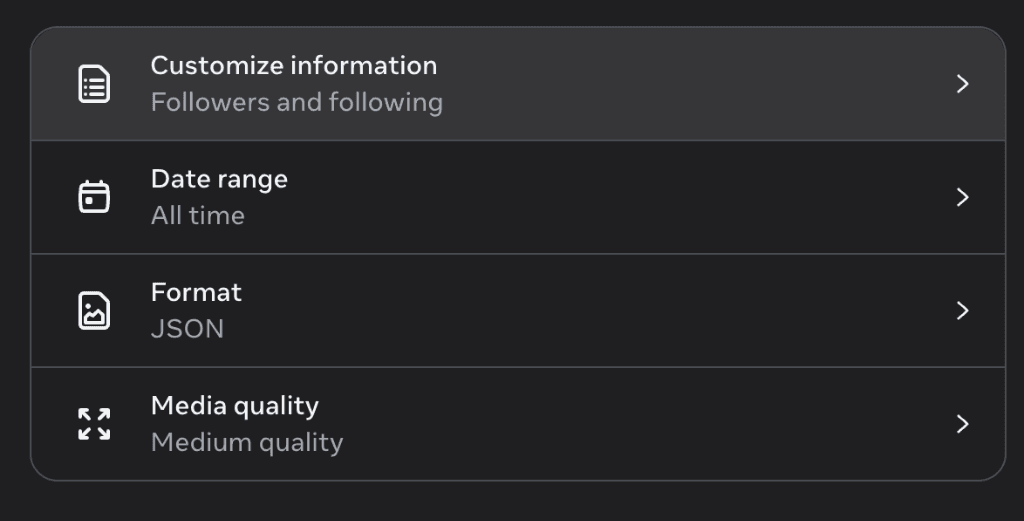
Format & Date Range
Set the Date Range to 'All time' and the Format to 'JSON'. Media quality does not matter.
Step 6
Download & Upload
Submit your request. Instagram will email you a link when your file is ready. Download it, unzip it, and drop the files onto our home page!